|
Name: TOPDON RLink X3 J2534 Pass-Thru Programmer for GM, Ford, Chrysler
Description:
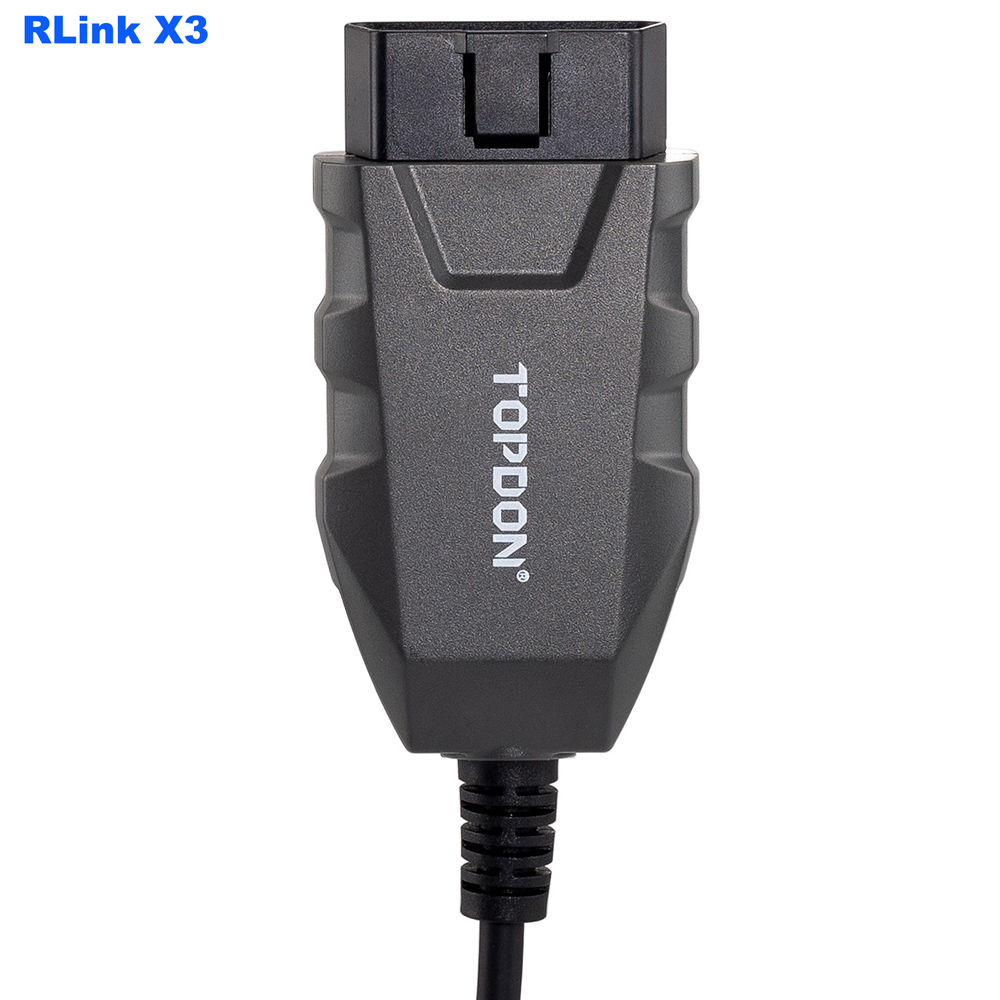
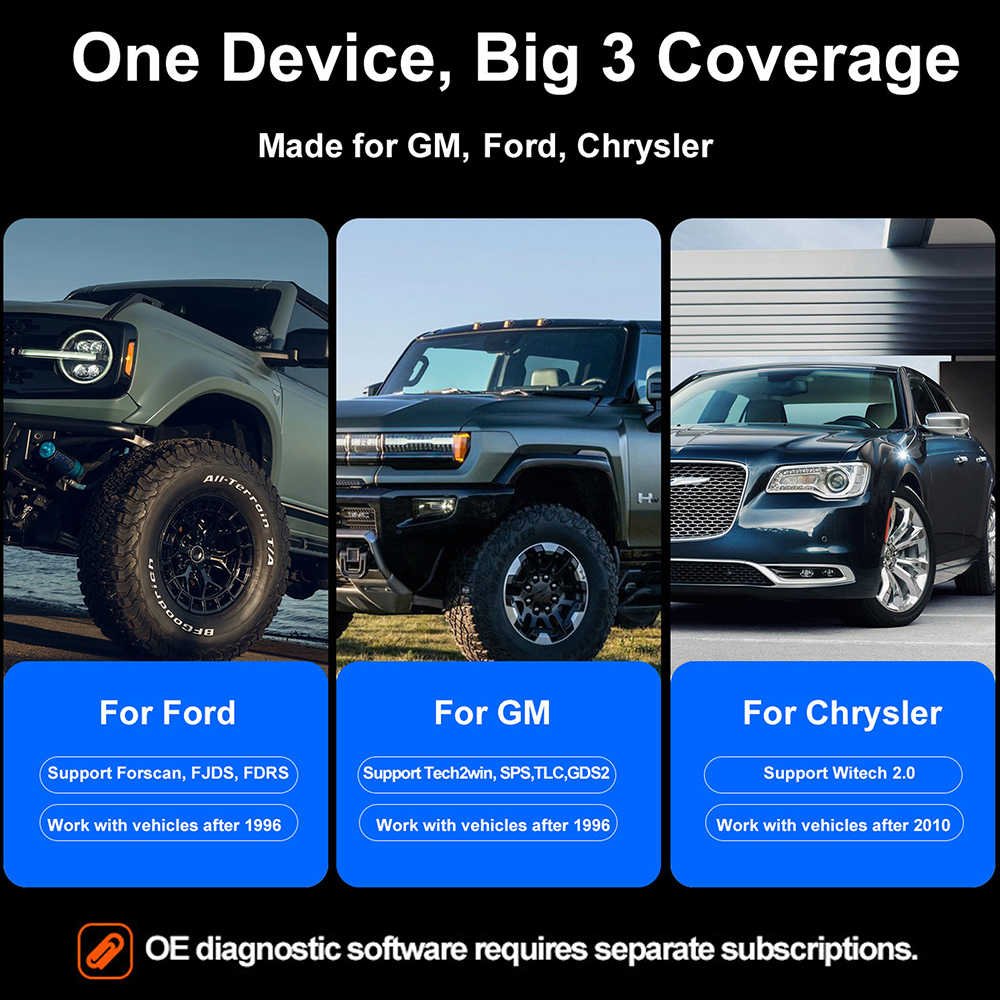
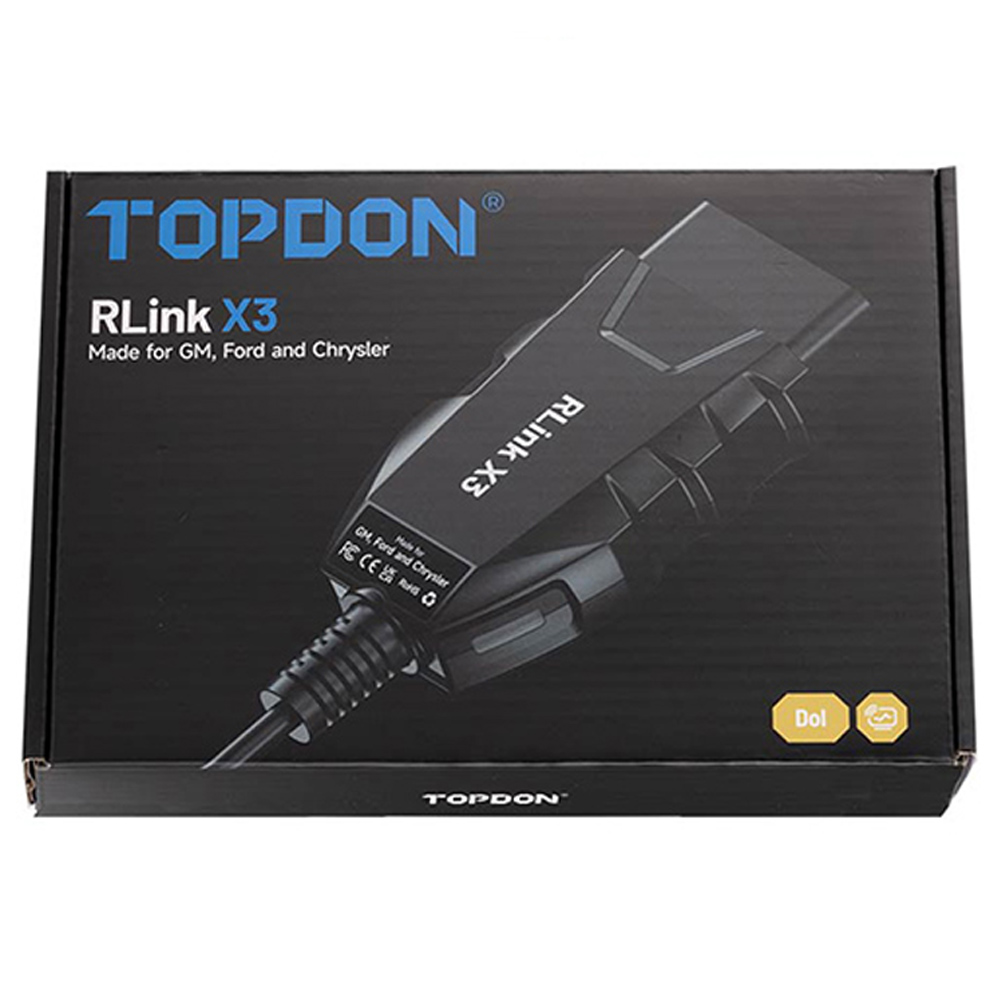
TOPDON RLink X3 is a 3-in-1 OEM-specific VCI (Vehicle Communication Interface) developed for the US market. RLink X3 J2534 supports the three major American automakers (Ford, GM, Chrysler) as well as their sub-brands and models. TOPDON RLink X3 is compatible with OEM software for GM (TLC/GDS2, Tech2Win, SPS), Ford (FJDS, FDRS, FORScan), Chrysler (WiTECH 2.0).
Like TOPDON RLink J2534, RLink X3 is compatible with RLink Platform. After registration and binding, users can access OEM software purchase links, view programming cases and FAQs, and stay updated on new product releases, promotional events, and special offers.
Note: OEM software is not included and requires additional purchase.
Features:
1. Dealer-Level Functionality
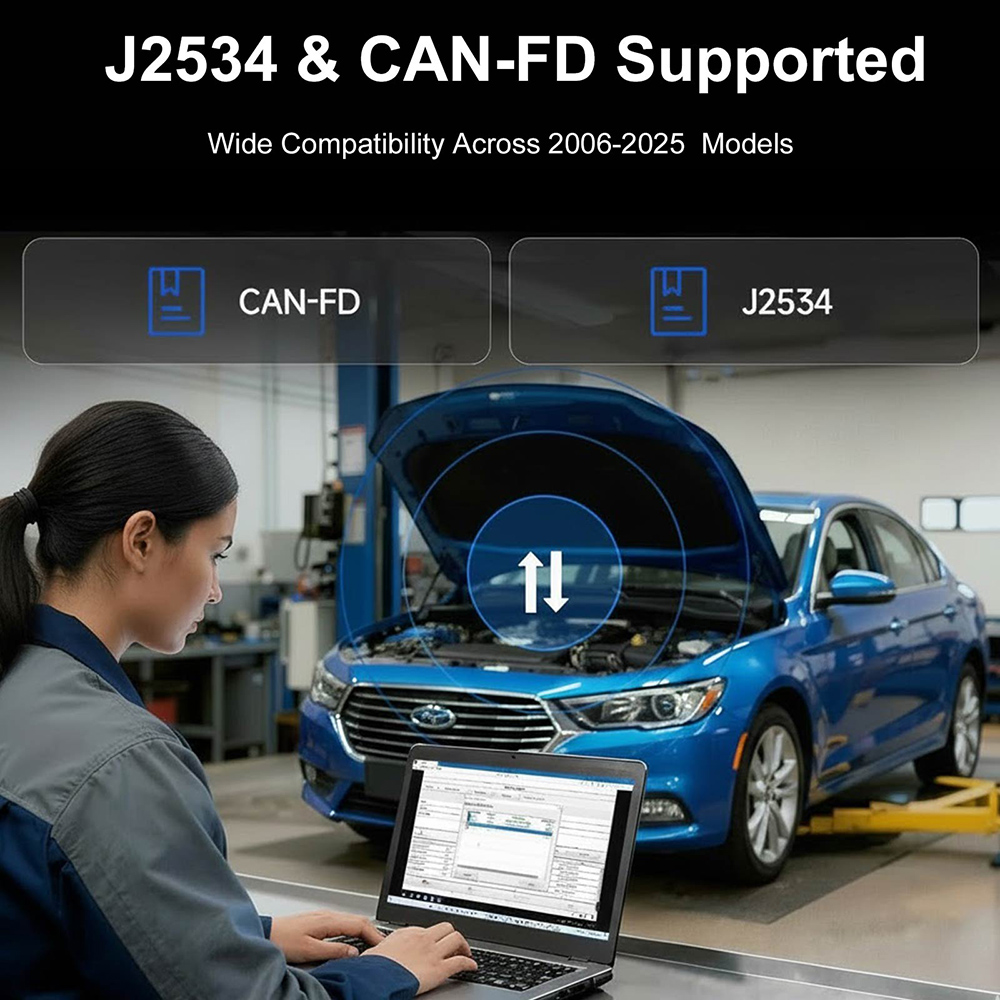
2. Wide Compatibility Across 2006–2025 Models
3. One Device for Multiple OE Software Platforms
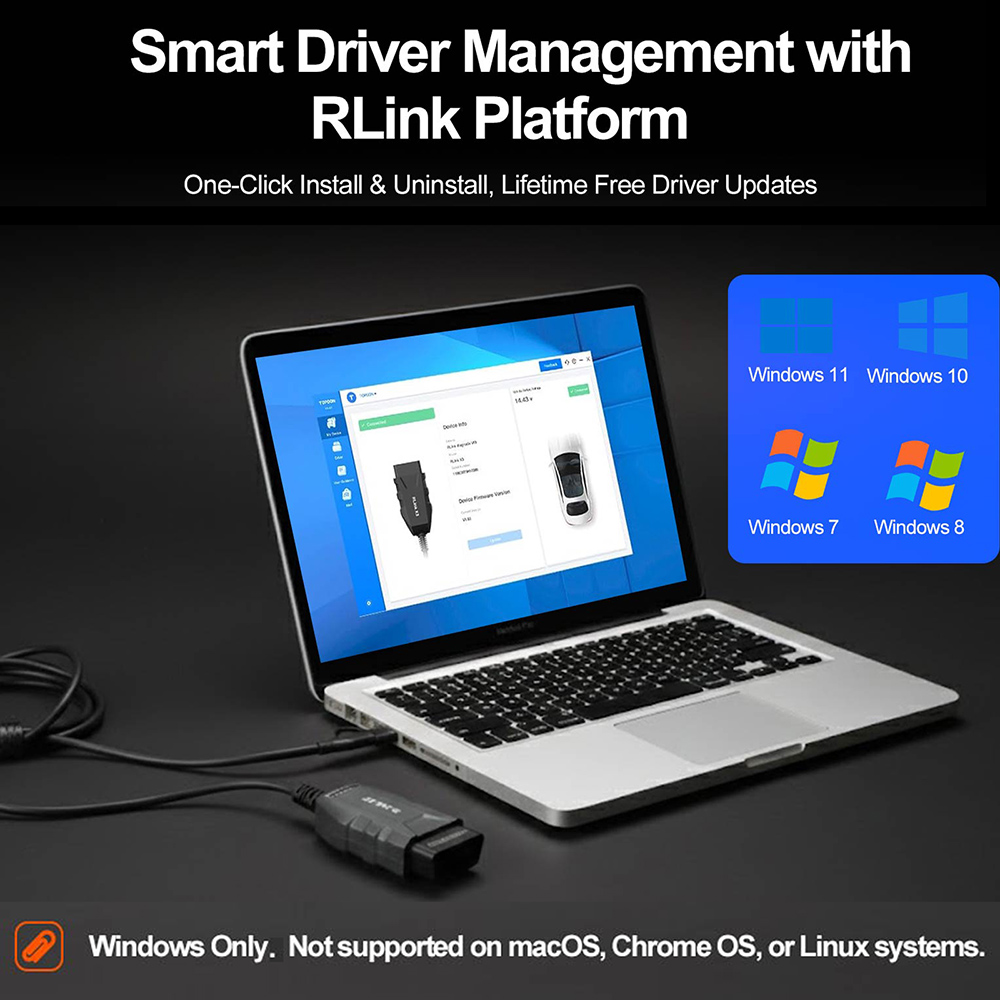
4. Simple Driver Management and Lifetime Updates
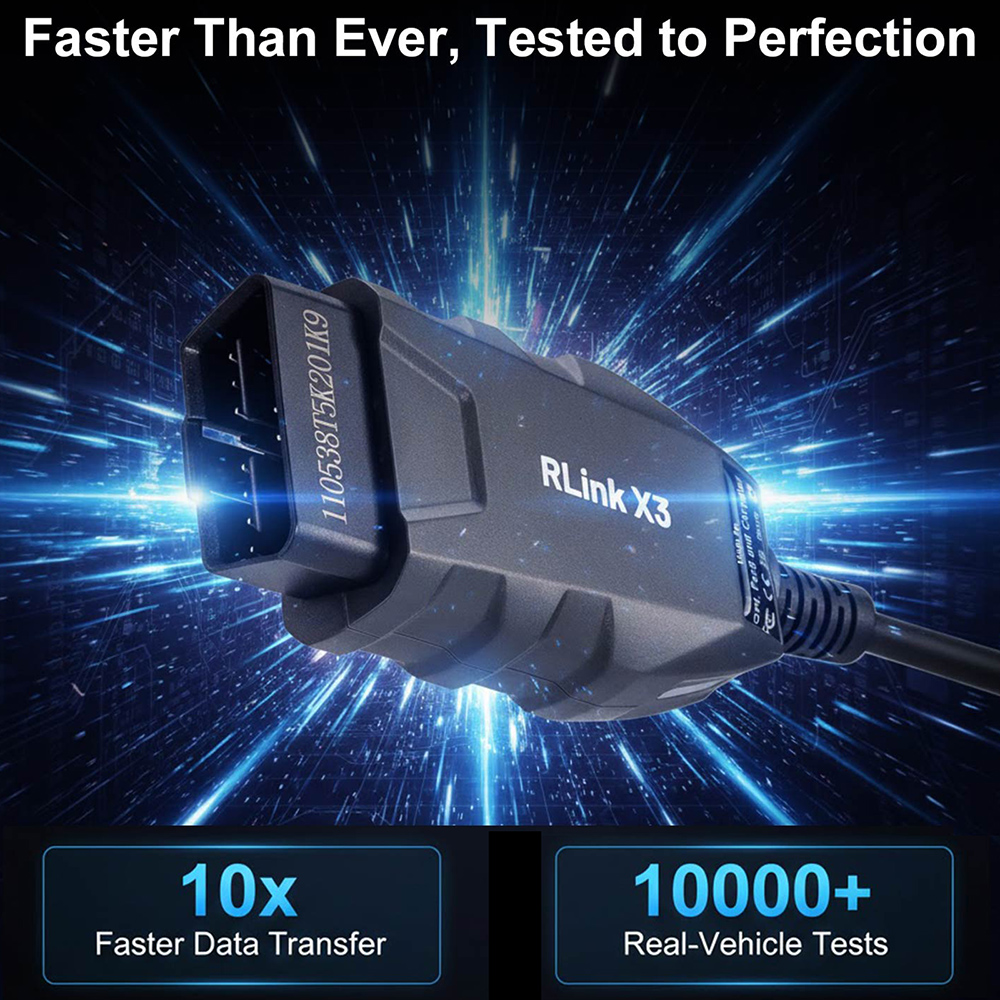
5. Proven Reliability, Unmatched Speed
6. Clear Instructions for Every Step
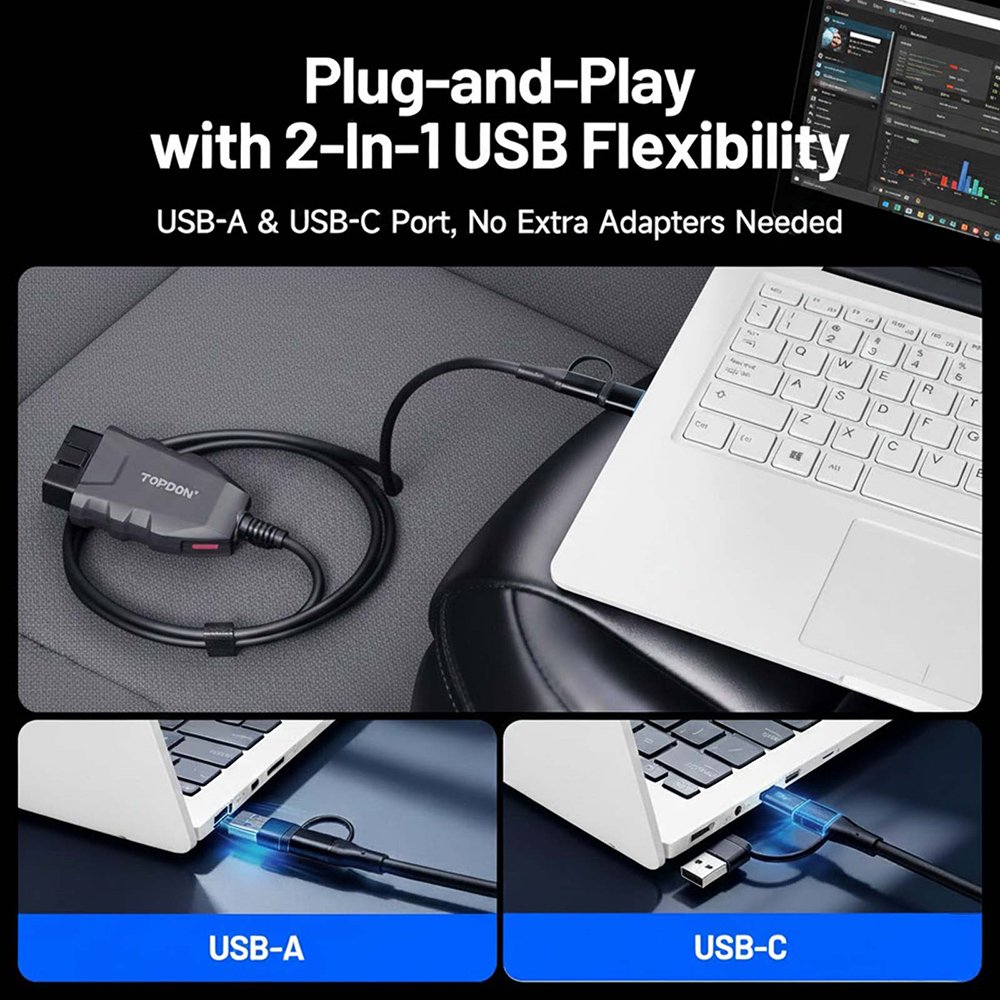
7. Plug-and-Play with 2-In-1 USB Flexibility
Functions:
1. Vehicle Coverage: Supports models from 1996 to 2025 (Actual coverage depends on the OEM software.).
2. Diagnostic Functions: Supports Reading/Clearing Fault Codes, Reading Data Stream, Performing Active Tests, Generating Detection Reports, etc.
3. Special Functions: Fully supports special functions as provided by OEM software - same as at the dealership.
4. Freeze Frame Data: Allows real-time analysis of fault causes and recreates failure scenarios to avoid misdiagnosis.
5. Online Programming: Supports online coding and programming functions.
6. Additional OEM Software Features: Such as access to repair manuals, fault code analysis, and more.
Highlights:
1. Supports simultaneous access to GM’s 4 CAN channels and is compatible with GM’s CAN-FD, HS-CAN, LS-CAN, UDS, J1850-VPW, SW-CAN, ALDL, GM-UART, KW81, KW82 protocols. Paired with OE software, it enables access to dozens of additional ECUs and thousands of manufacturer-specific trouble codes and parameters. It also
supports online programming and unique special functions.
2. Optimized for maximum throughput, delivering at least twice as many data samples per second compared to other solutions. This means smoother and more stable diagnostic software performance during fault diagnosis and data stream analysis, with the ability to display multiple parameters simultaneously (high-speed data transmission).
3. Features unique safety functions to protect the device when plugged into power, even in high-voltage vehicles such as 24V commercial trucks, ensuring no damage occurs. Additionally, all RLink X3 drivers and firmware are available for lifetime free upgrades.
4. Supports simultaneous CAN BUS access for FJDS, FDRS, and ForScan, enabling advanced functions that “ELM327” adapters cannot achieve.
5. Rock-solid connectivity effectively prevents data corruption and packet loss.
Advantages:
1. Industry-Leading Cost-Performance: Far ahead of OEM and other manufactured VCIs.
2. Multi-Brands Compatibility: One device supports multiple OEM software simultaneously. e.g. RLink X3 is compatible with over 8 OE software systems from three major automakers: Ford, GM, Chrysler.
3. Backed by More Than 10,000 Real-Vehicle Tests: It ensures secure data transfer and industry-leading stability, significantly outperforming lesser-known competitors.
4. Local US Technical Support: Guarantees response within 8 hours. Rapid software improvements ensure your system stays up to date.
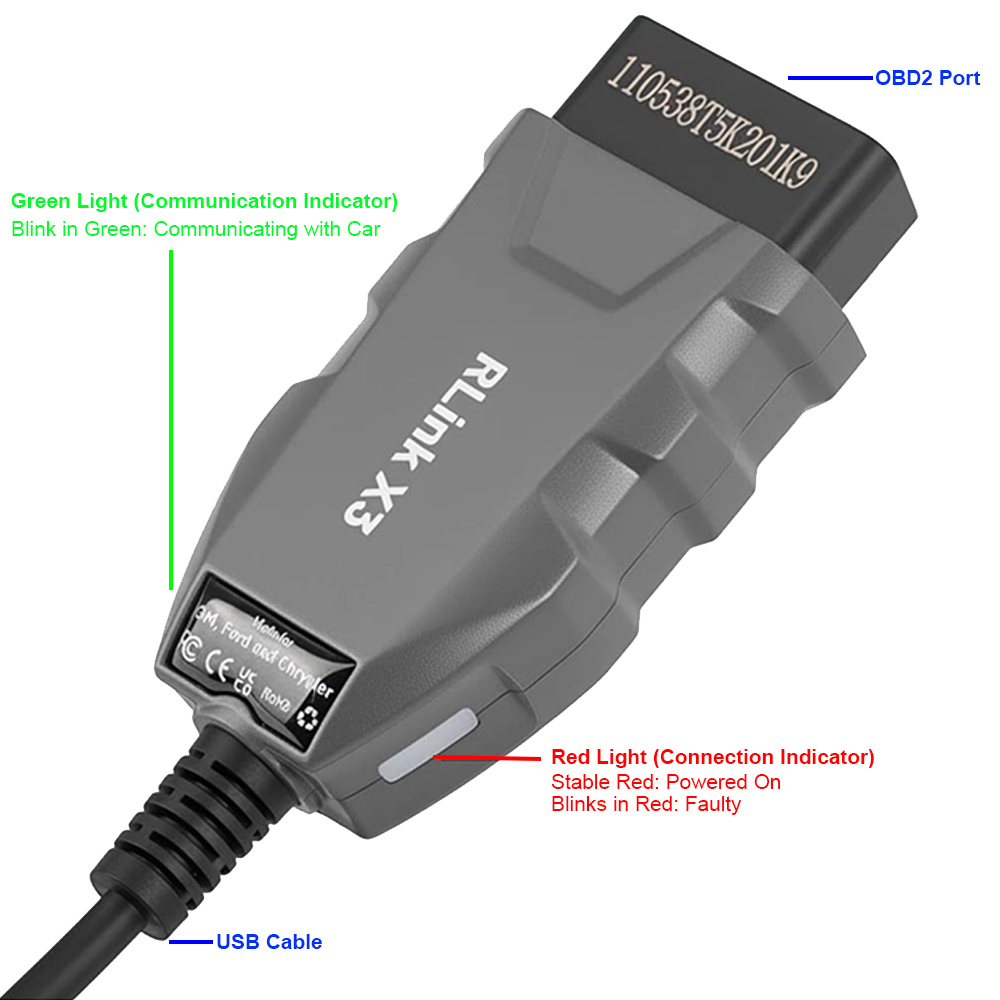
Dual-Color Indicator Light:
Red Light (Connection Indicator): Stays solid when the device is connected to the vehicle's DLC and blinks when there is faulty.
Green Light (Communication Indicator): Blinks during diagnostics.
How to use RLink X3 (Registration and Binding)?
Step 1: Turn on your PC and download the RLink Platform driver manager from TOPDON official website.
Step 2: Install RLink Platform and register an account.
Step 3: Plug the device into your PC.
Step 4: Bind the device.
Step 5: Go to Driver Management > Driver Download, and select the corresponding brand driver (Ford, GM, Chrysler).
Step 6: Click Download.
Step 7: Open the OE software.
Step 8: Set RLink as the diagnostic interface. Now you can perform diagnostics and programming just like with an OEM tool.
FAQs:
Q1. What kind of computers is the product compatible with?
A1: The product supports only Windows systems as OEM software is Windows-based. MacOS, Chrome OS, Linux are not supported!
Q2. Do software and firmware updates require additional purchase?
A2: No, all updates are lifetime free. You can download the latest versions via RLink Platform > Driver Management > Driver Download.
Q3. Is OEM software included?
A3: No, OEM software is not included. It must be subscribed to through the official OE websites. The Quick User Guide and RLink Platform provide official links to each OEM software.
Q4. Is the ELM327 protocol supported?
A4: Currently not supported. But if there is enough demand, we can enable ELM327 protocol via software without requiring any hardware changes.
Specifications:
CPU: ARM Cortex-M4F 32-bit
Memory: FLASH 512KB, SRAM 192KB
Operating voltage: 9V ~ 18V
USB Cable length: 1.8 meter
Working Temperature: -10℃ ~ 60℃
Storage Temperature: -20℃ ~ 70℃
Dimension: 92*48*24mm
Packing List:
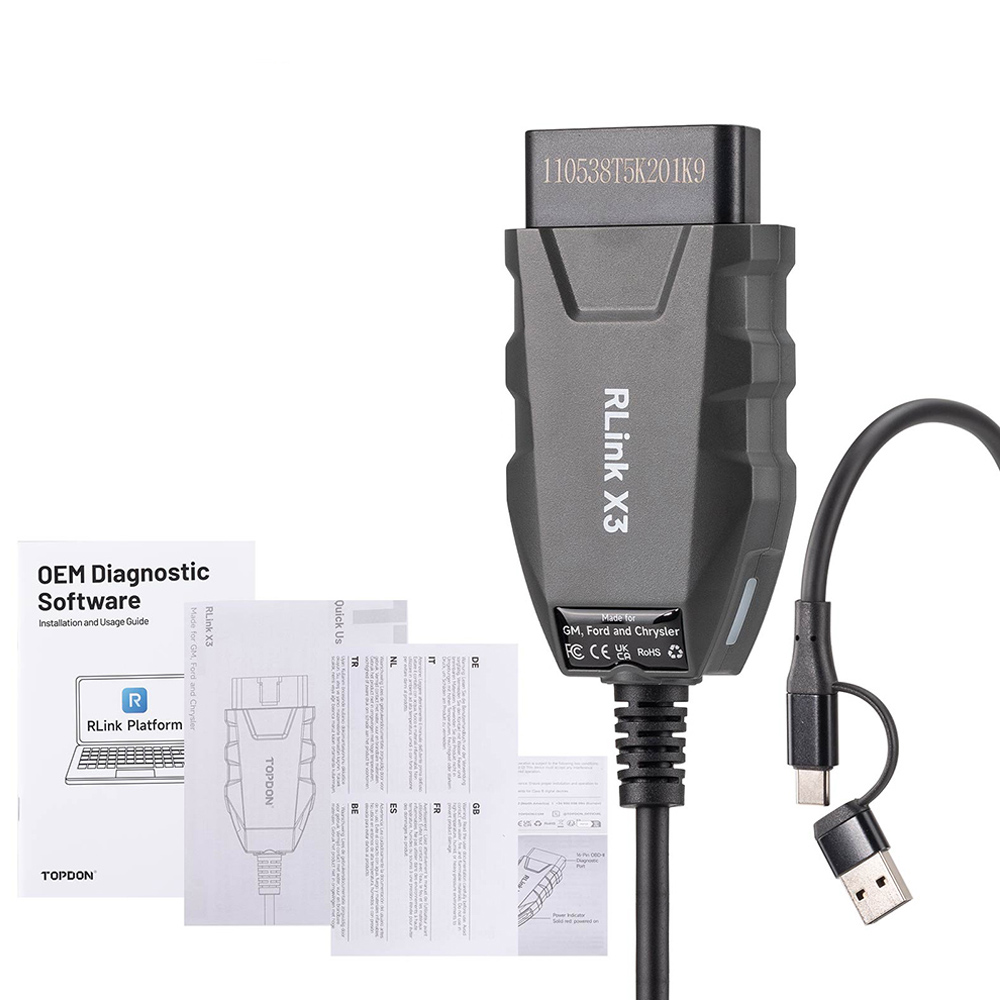
TOPDON RLink X3 J2534 Adapter Cable
Quick User Guide
OEM Software Installation Guide
Safety Warning Label
Warranty Card
Packing Box
|



 USD
USD




.jpg)