|
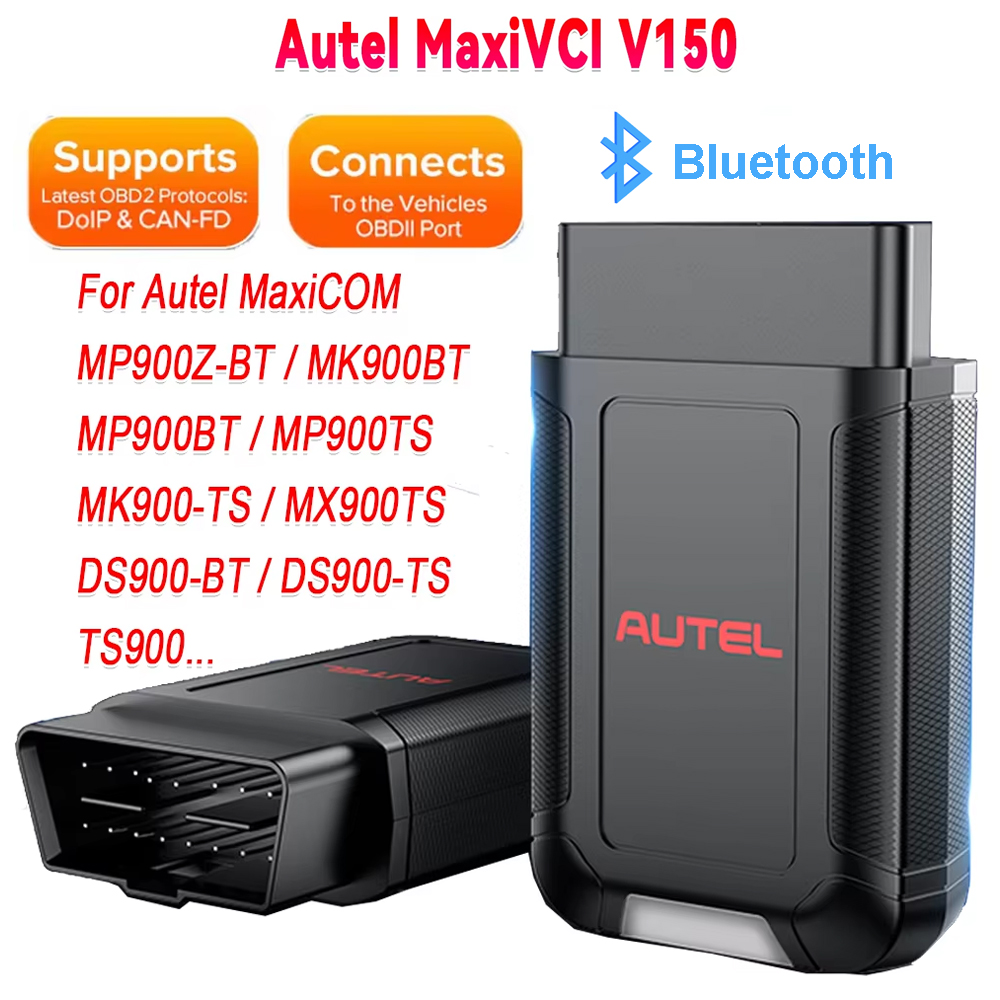
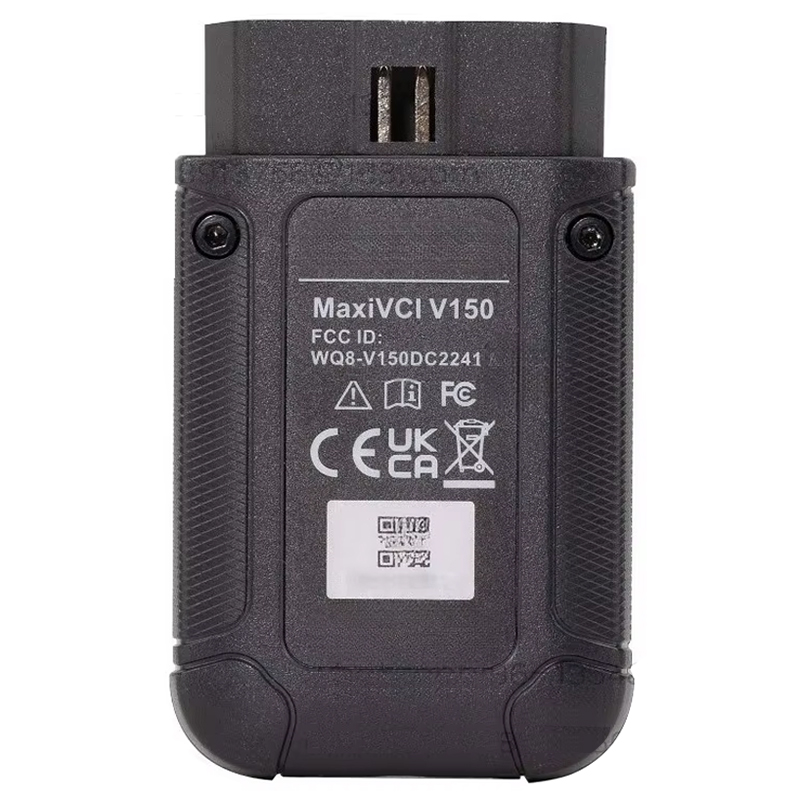
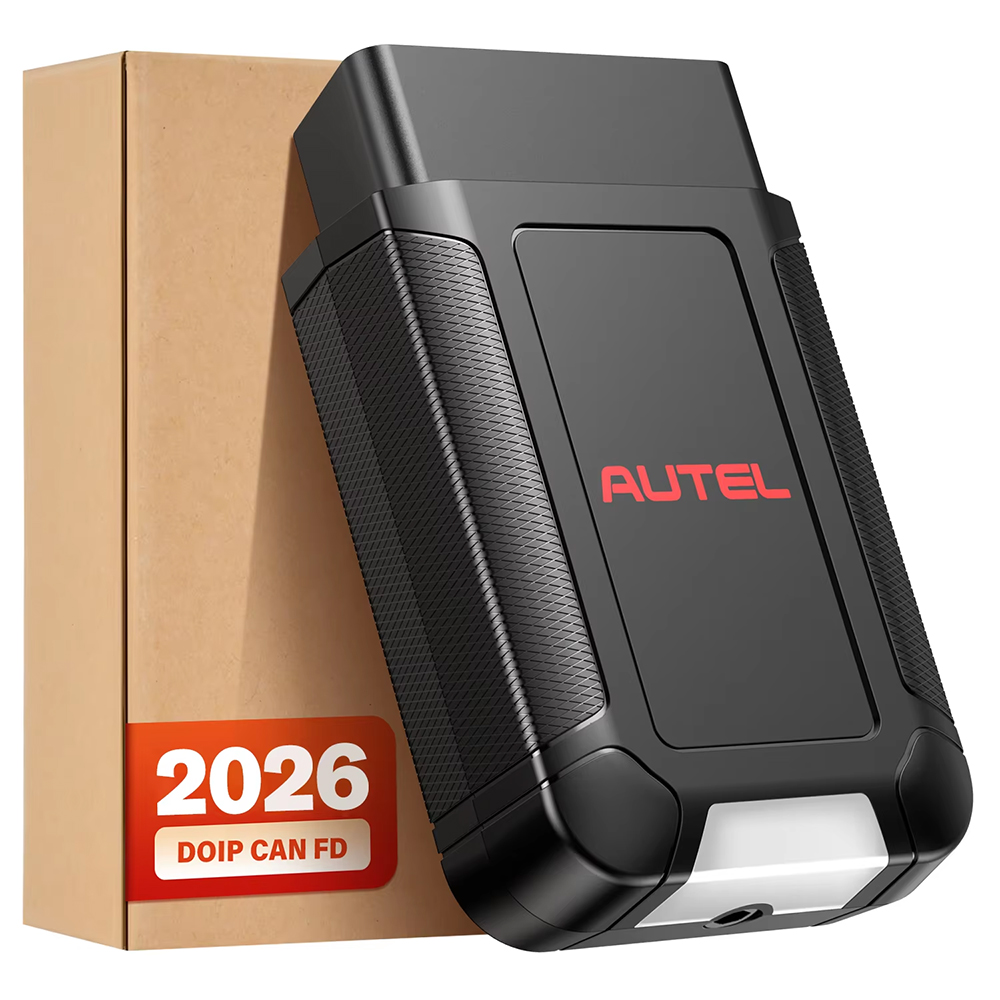
Name: Autel MaxiVCI V150 Bluetooth Adapter Supports CAN FD / DoIP
Description:
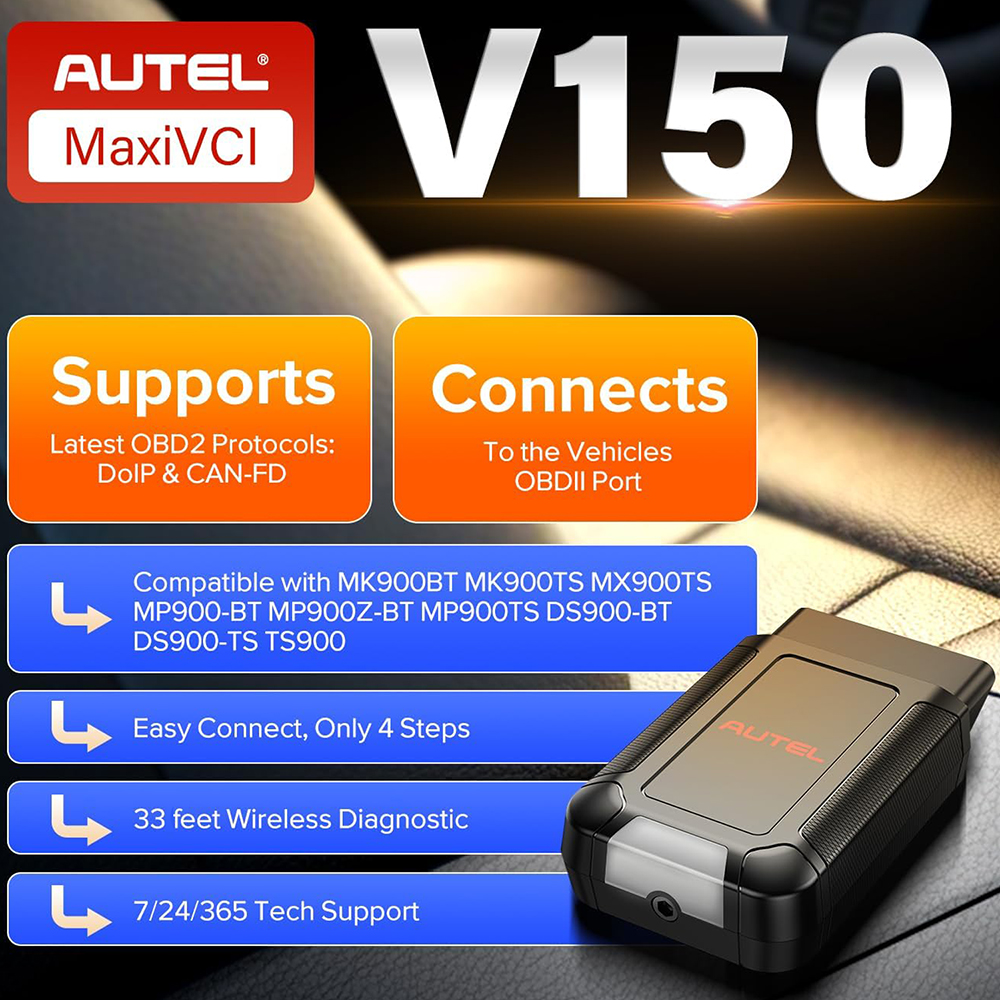
Autel MaxiVCI V150 Wireless Dongle supports CAN FD / DoIP protocols works for Autel 900 Series Scanners Autel MaxiCOM MK900-BT / Autel MaxiCOM MK900-TS, Autel MaxiPro / Autel MaxiPro MP900BT / Autel MaxiPro MP900Z-BT / Autel MaxiPro MP900TS...
Features:
1. Compatible with Autel 900 Series Scanner
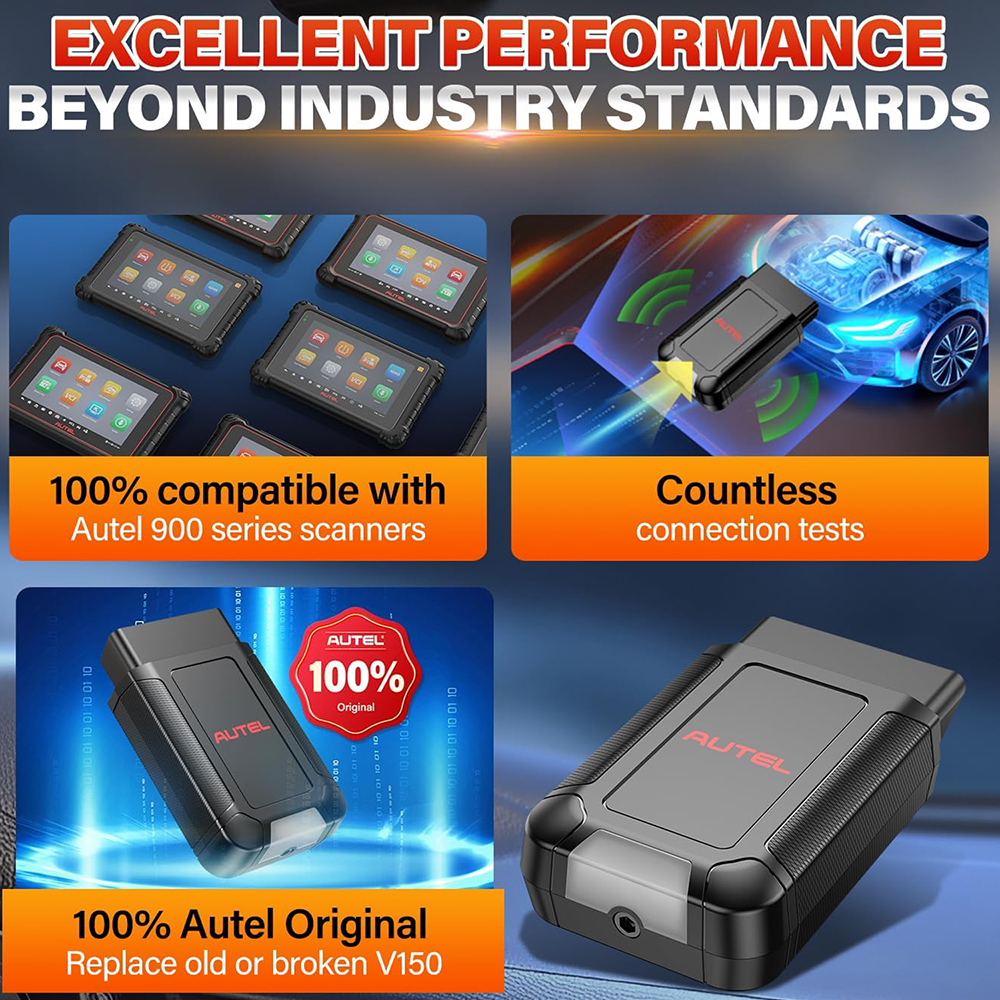
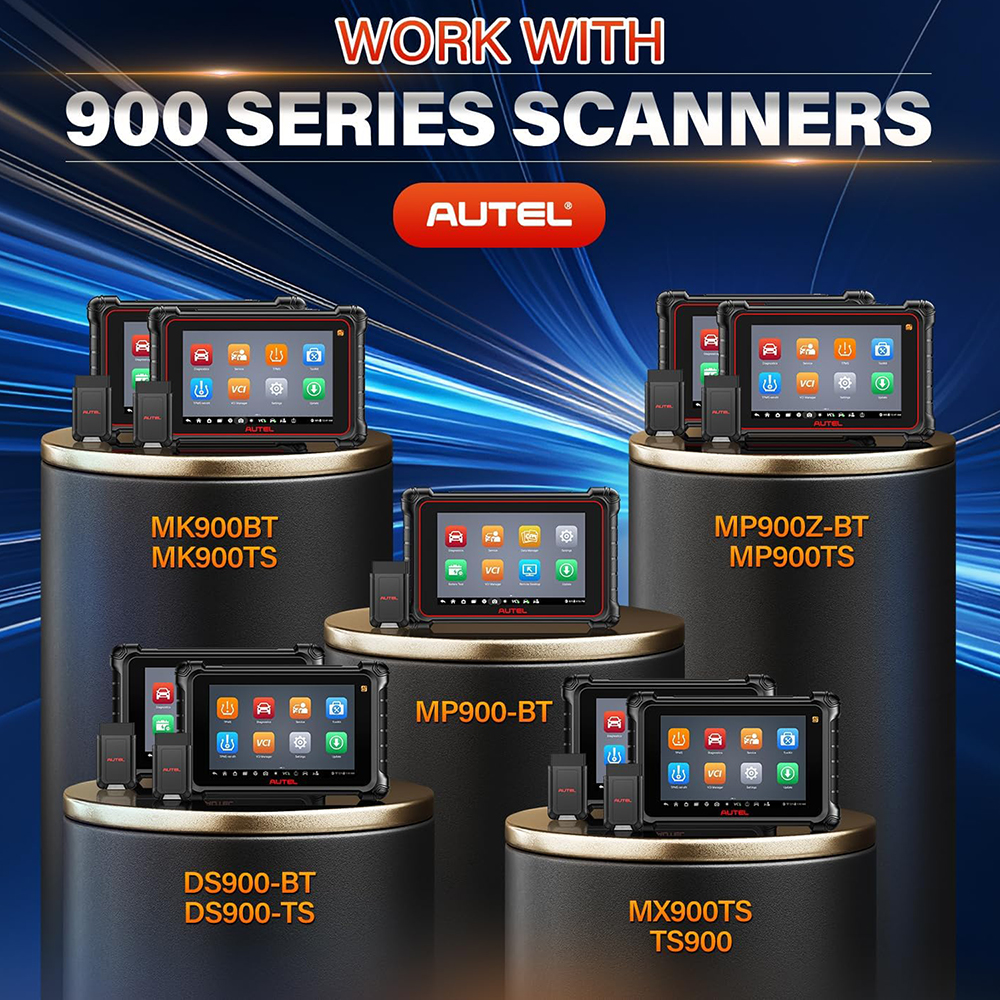
Autel MaxiVCI V150 is the latest VCI(Vehicle Communication Interface) which is compatible with Aute MK900BT MP900BT MP900Z-BT MP900TS MK900-TS MX900TS TS900 DS900-BT DS900-TS...
2. 33 Feet Working Range via Bluetooth Technology
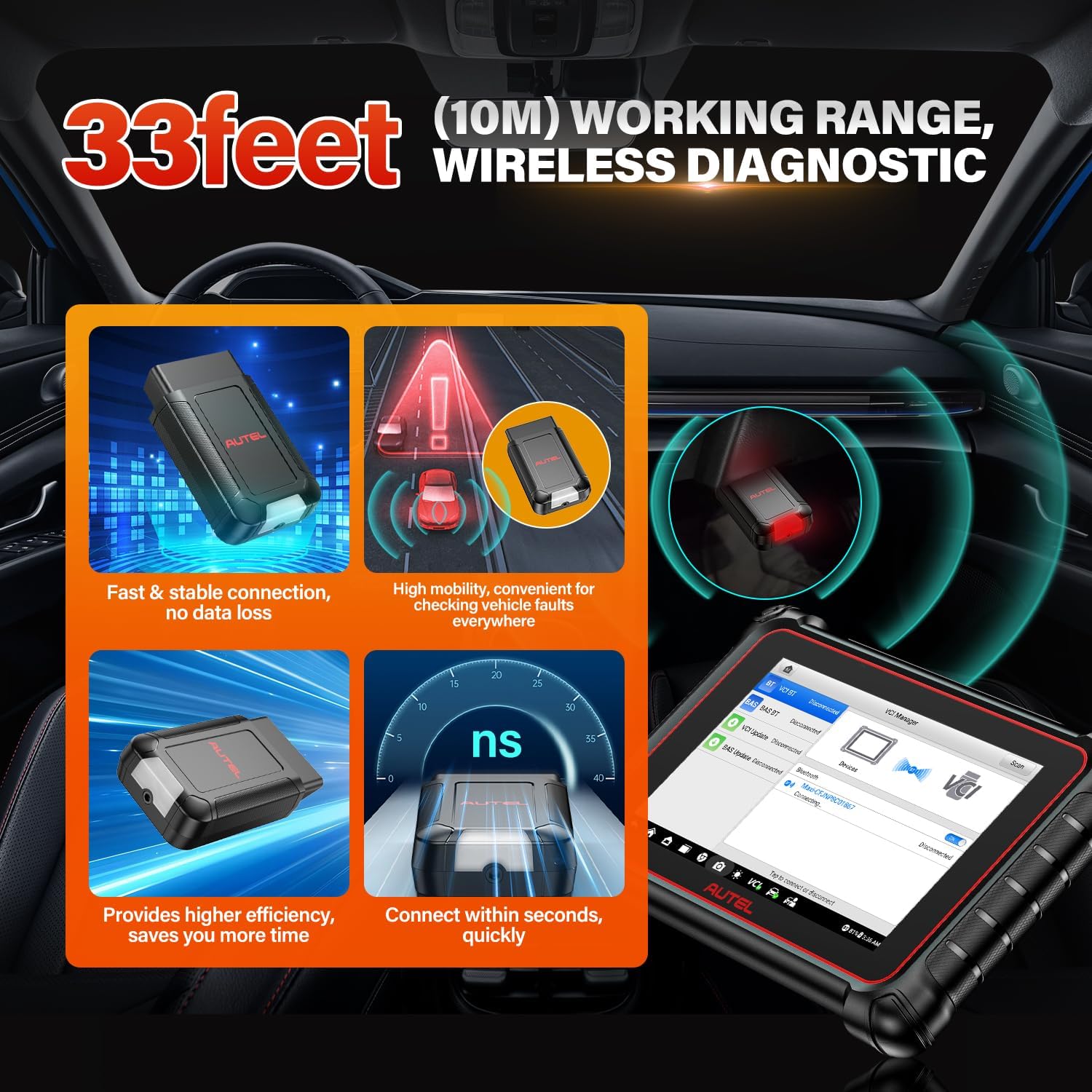
Autel VCI V150 Wireless Bluetooth Connector extends your working range to 33 feet/ 10m, allowing you to diagnose and repair vehicles outside the car without being bound by physical cables. Compared with traditional wired scanners, wireless scanners give you more freedom, and you no longer need to diagnose vehicles on the steering wheel.
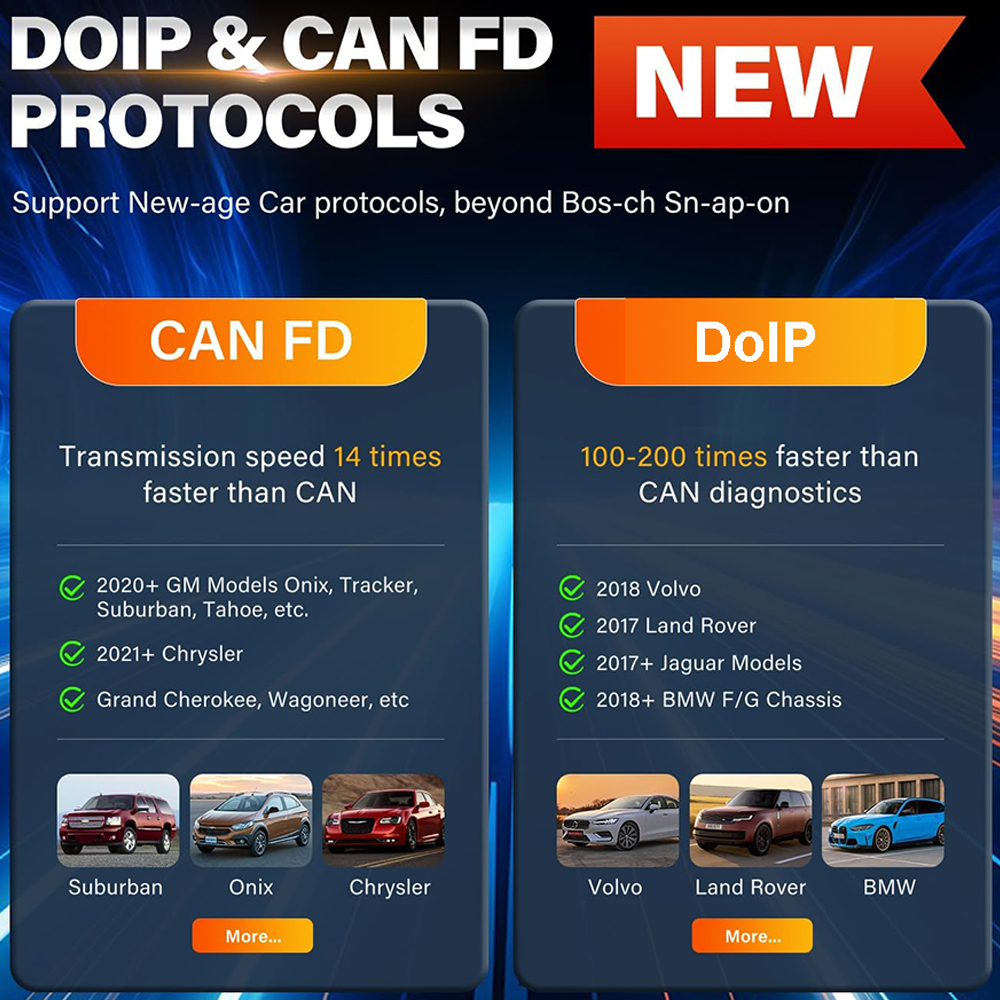
3. Support CAN FD / DoIP Protocol and Covering More Models
In order to cover more vehicles, Autel MaxiVCI V150 Wireless Dongle supports CAN FD / DoIP protocol, accelerates data transmission, speed up diagnose 5X.
CANFD for GM (2019+)
DoIP for Volvo 2018+, Jaguar & Land Rover 2017+, BMW F&G chassis models.
4. Plug and Pay Easy Connection
Autel MaxiVCI V150 Wireless Bluetooth Dongle supports one-touch operation, instant connection.
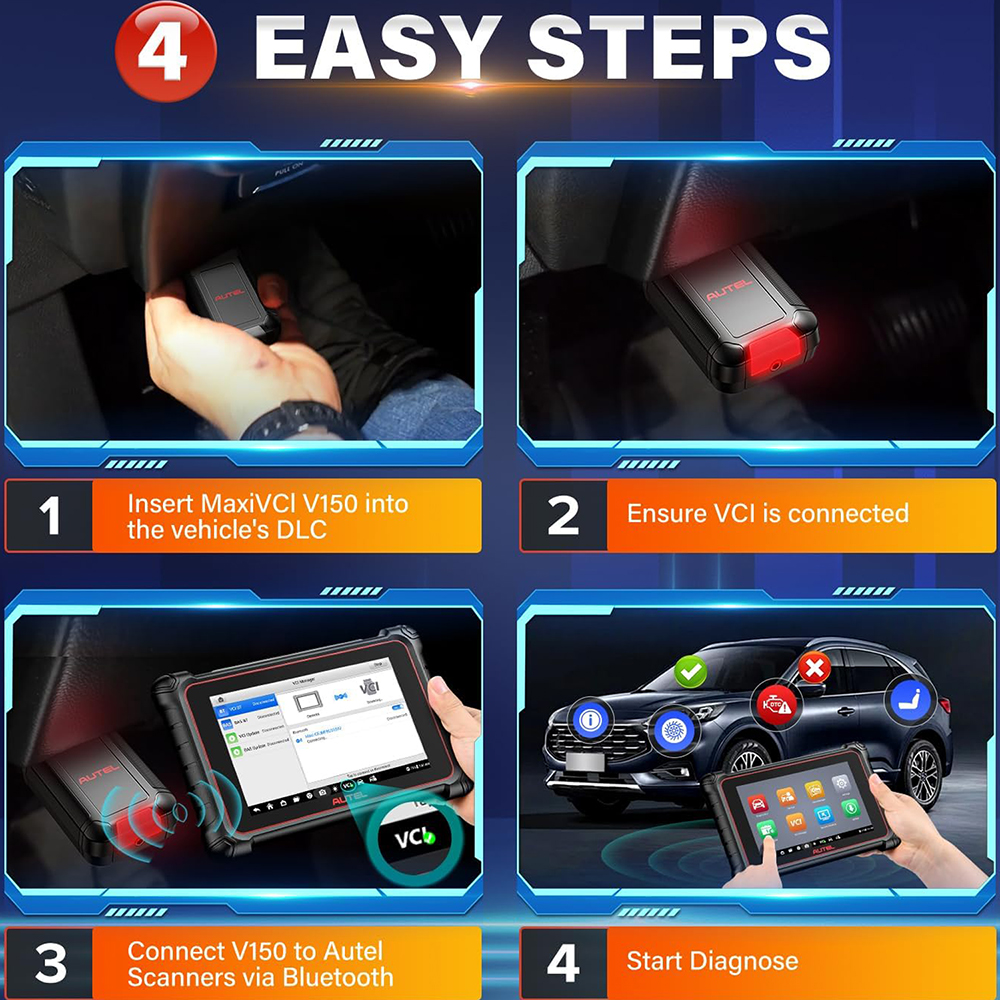
1). Plug V150 into the car OBD2 DLC port.
2. Connect V150 to Autel scanners via Bluetooth, start diagnose.
5. Power Source
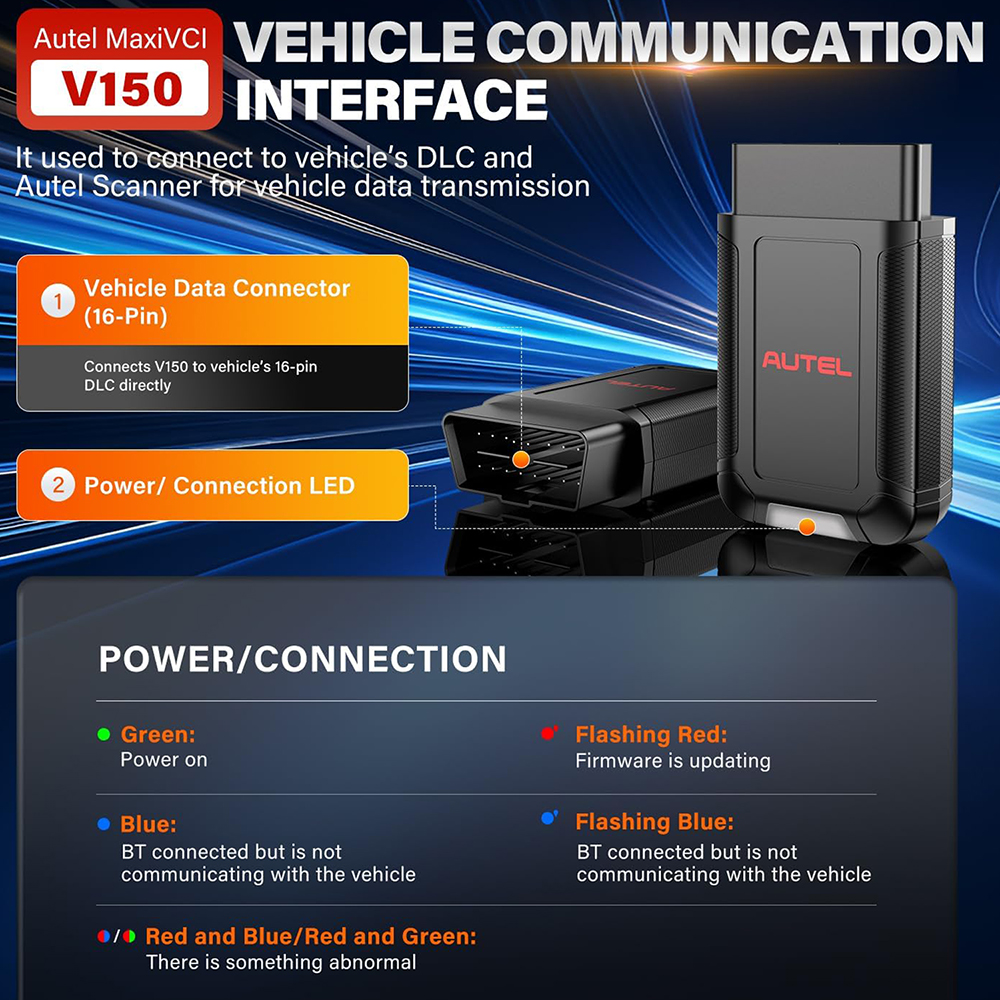
Autel MaxiVCI V150 operates on 12V vehicle power which is received through the vehicle’s DLC. The unit powers on whenever it is connected to the vehicle OBD2 DLC.
6. Non-OBD-II and OBD-II Vehicle Connection
If your car has a non-OBD2 port, you will need an OBD 1 adapter to complete the connection: First find the required OBD 1 adapter and connect its pin jack to the MaxiVCI V150, then connect V150 to the vehicle’s DLC. If your vehicle is a standard OBD-II port, simply plug the Autel V150 into the car diagnostic DLC which is usually located under the vehicle dashboard.
|



 USD
USD




.jpg)